
Why freelancers should always use NDAs
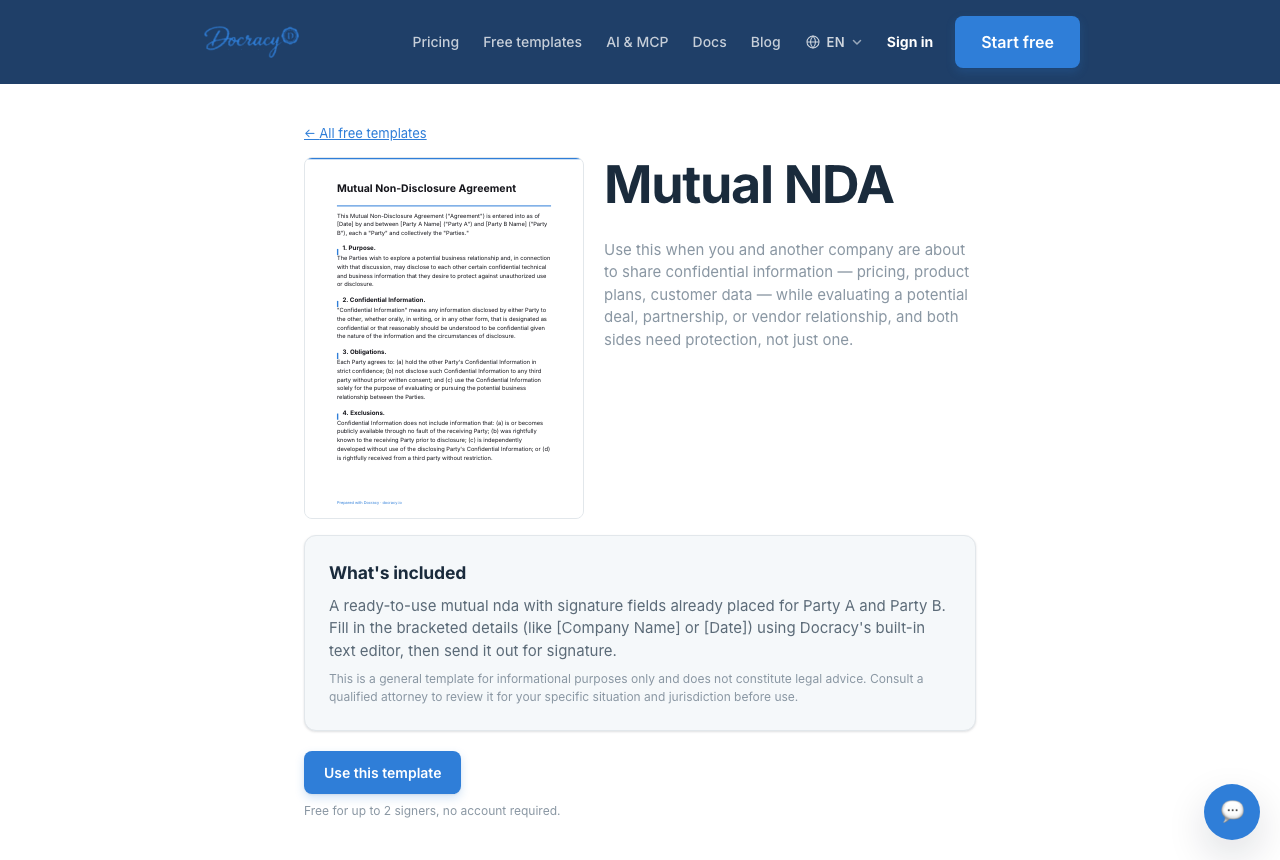

Freelancers often work with sensitive information: client data, internal documents, product ideas, pricing that hasn't gone public yet. An NDA protects both sides and sets clear expectations before that information changes hands — not after something's already gone wrong.
Why the freelancer benefits too, not just the client
It's easy to think of an NDA as something a client imposes on a freelancer, but it cuts both ways. A signed NDA is often the reason a client is willing to share the details a freelancer actually needs to do good work — internal metrics, a real product roadmap, unreleased branding. Without it, clients tend to hold back information, which usually means a worse first draft and more revision cycles.
Benefits of using an NDA as a freelancer
- Protects your client's data — and shows you take that seriously before they have to ask
- Signals professionalism — asking for or accepting an NDA reads as someone who's done this before
- Prevents misuse of your own work — a mutual NDA can protect your process or tools, not just the client's
- Builds trust early in the relationship, before either side has proven anything to the other
Which type of NDA fits a freelance relationship
Most freelance NDAs are one-way, since the client is usually the one disclosing anything sensitive. A mutual NDA makes more sense when a freelancer brings their own proprietary process, dataset, or tooling into the relationship and wants that protected too — that's the deciding question, not which side sent the document first.
One-way vs mutual: how to tell which one you need
A quick example
Say a freelance data analyst is about to see a client's unreleased financial dashboard before quoting a project. A one-way NDA naming the client as the disclosing party, listing "financial data, dashboards, and internal reporting" as the confidential information, and running for two years protects the client fully — without restricting anything about how the analyst applies their own general methodology on the next project.
What to actually check before signing
Not every NDA a client sends is reasonable. Before signing, check that the confidentiality term has a clear end date, that the definition of "confidential information" isn't so broad it covers things you already knew before the project, and that it doesn't quietly restrict you from working with other clients in the same industry — that's a non-compete clause dressed up as an NDA, and it's worth pushing back on.
Sending your own NDA as a freelancer
Many freelancers keep a standard NDA ready to send before the first real conversation, rather than waiting to be asked. Upload your own PDF, or start from a free template on Docracy's Marketplace, add signature fields for both parties, and send it — the client doesn't need to create an account to sign. If you work with the same handful of repeat clients, saving that NDA as a reusable template (a paid feature) means the fields and signer order are already set up the next time, instead of rebuilding it from scratch.
Staying organized across multiple clients
Once you're sending NDAs to more than one client, the paperwork matters as much as the wording. Every signed document comes with its own timestamped audit trail — when it was delivered, opened, and signed — and a SHA-256 hash of the final PDF, so if a dispute ever comes up months later, you have a record independent of anyone's memory of the conversation.
When an NDA probably isn't necessary
Not every client interaction needs one. A short unpaid discovery call, a favor for a friend, or a project limited to information that's already public doesn't call for a signed agreement first. Reflexively sending an NDA before any conversation, even a low-stakes one, can read as distrustful rather than professional — save it for the point where real specifics are actually about to change hands.
Frequently asked questions
Should I have my own NDA, or just sign the client's?
Both are normal. Many freelancers keep a standard one-way or mutual NDA ready to send to a new client before the first real conversation, rather than waiting to be asked.
Does an NDA cost anything to send?
Not necessarily — sending a document to two or fewer signers (you and the client) is free on Docracy. A subscription only kicks in beyond that, at a flat $10 a month rather than a per-signer charge.
What if a client refuses to sign an NDA I send?
Some pushback is normal, especially if the NDA feels heavier than the situation calls for — a mutual NDA for a relationship that's really one-way, for instance, or vague terms neither side wants to commit to. Try offering a shorter, more specific one-way version before assuming refusal is a red flag.
Can I sign an NDA from my phone if I'm between jobs or on site?
Yes — standard signing works from any device with a browser, no app or account required. For a more phone-bound signing method, WhatsApp signing is also available when the sender has a free Docracy account.
DocuSign alternative for freelancers
Why teams start with Docracy
“Docracy is a great product that I have tested and am using. It is easy to use, has good tools, is always up to date, and implements new features. Highly recommended.”— DACH Advisory


Also: Compare e-sign pricing · Free mutual NDA template
No account required for up to 2 signers.