
How to sign an NDA online free in minutes
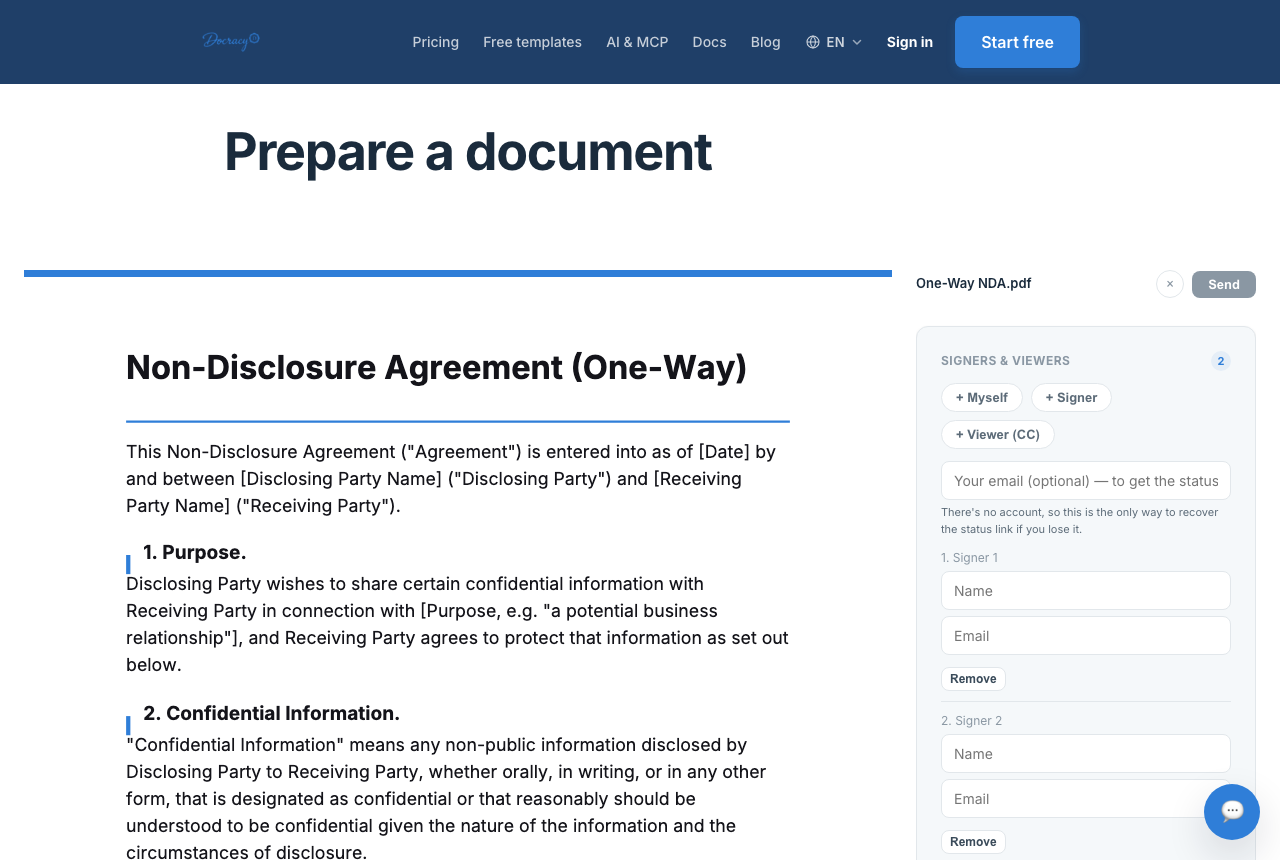

The whole point of an NDA is to protect a conversation that hasn't happened yet — which means it only works if it gets signed before that conversation starts. Online signing exists to make that timing realistic: no printer, no scanner, no "I'll send it over once I'm back at my desk."
The five-step flow
- Upload your NDA or choose a template — a mutual or one-way NDA covers most situations
- Add signature fields where each party needs to sign and date
- Send the document to the other party's email
- The recipient opens the link and signs without creating an account
- Download the signed PDF for your records once everyone's done
For a one-on-one NDA, this whole sequence usually takes a few minutes end to end — most of that is spent reading the document, not fighting with the software.
Sequential vs parallel signing for multi-signer NDAs
Most NDAs are two-party, but sometimes you need three or more signatures — a company, a contractor, and a subcontractor all bound by the same confidentiality terms, for example. Docracy supports both sequential signing, where each signer is notified in turn only after the person before them finishes, and parallel signing, where everyone receives the document at once and can sign in any order. Sequential makes sense when the order genuinely matters — say, your company needs to countersign last. Parallel is faster when order doesn't matter and the priority is just getting everyone signed quickly.
Why the signature holds up
Online signatures are legally binding in most countries under e-signature laws like the U.S. ESIGN Act and UETA, and the EU's eIDAS regulation. What actually makes a signature valid isn't the pixel-perfect look of a signature graphic — it's clear intent to sign, consent to do business electronically, and a reliable record of who signed and when. A basic e-signature tool captures all three.
One honest caveat: a Simple Electronic Signature (SES) — the default on Docracy, and on most e-signature tools — proves what was signed and when, not that the person who clicked "sign" is definitely who they claimed to be. Docracy isn't a Qualified Trust Service Provider and doesn't issue Qualified Electronic Signatures (QES). For a routine NDA between people who already know each other, an SES is rarely an issue. For higher-stakes situations, phone-bound signing (below) gets closer to an Advanced Electronic Signature.
What gets recorded automatically
Every signed document gets a timestamped audit trail — delivery, read receipt, and the signature event itself — with no extra setup on your part. Docracy also generates a SHA-256 hash of the final signed PDF. If a single byte of that file changes after signing, the hash won't match anymore, which gives you a way to verify the document's integrity independent of Docracy itself, not just a promise that nothing changed.
Signing an NDA over WhatsApp
For situations where phone-bound signing matters — a signer without easy computer access, or a signature you want tied more tightly to a specific device — Docracy supports signing over WhatsApp. It's PIN-protected and bound to the signer's phone, designed to meet the eIDAS Advanced Electronic Signature (AES) bar rather than the Simple Electronic Signature that's the default elsewhere on the platform. It requires the sender to have a free Docracy account — WhatsApp signing isn't available on fully anonymous, no-signup sends. Free accounts get one WhatsApp signature a month, paid plans get ten a month and then $0.50 per additional signature, and enterprise plans get fifty a month under fair use.
Read the full breakdown of WhatsApp signing
How this relates to Advanced Electronic Signature (AES)
Common mistakes when sending an NDA for signature
- Sending the NDA after the sensitive conversation instead of before it
- Using the wrong type — one-way when it should be mutual, or vice versa
- Leaving the confidentiality term (how long it lasts) blank or vague
- Not keeping a copy of the signed, completed PDF somewhere you can find it later
- Rebuilding the same NDA from scratch every time — if you send the same NDA repeatedly, a saved template (a paid feature) keeps the same fields and signer order ready to go
Frequently asked questions
Do I need to create an account to sign an NDA someone sent me?
No — anyone signing a document through Docracy's standard flow signs without creating an account. Only the sender needs one, and even then only to unlock extras like saved templates or WhatsApp signing.
Is a typed or drawn signature actually legally binding?
Yes. Under ESIGN, UETA, and eIDAS, what makes a signature valid is clear intent to sign and a reliable record of the act — not how polished the signature graphic looks.
What if I need more than two people to sign?
Sending a document to two or fewer signers is free. Beyond that, Docracy charges a flat $10 a month — not per additional signer — so a three- or four-party NDA doesn't cost more per signature added.
Can I upload my own NDA instead of using a template?
Yes — upload any PDF as-is and place signature fields wherever you need them. Auto-detect field placement, which is pattern-based rather than literal AI, can speed this up by suggesting likely signature and date locations for you to confirm.
Send an NDA now — free mutual NDA template
Free mutual NDA template (PDF)
Compare e-sign tools — DocuSign alternative
Why teams start with Docracy
“Docracy is a great product that I have tested and am using. It is easy to use, has good tools, is always up to date, and implements new features. Highly recommended.”— DACH Advisory


Also: Compare e-sign pricing · Free mutual NDA template
No account required for up to 2 signers.