
Essential agreements every freelancer should use
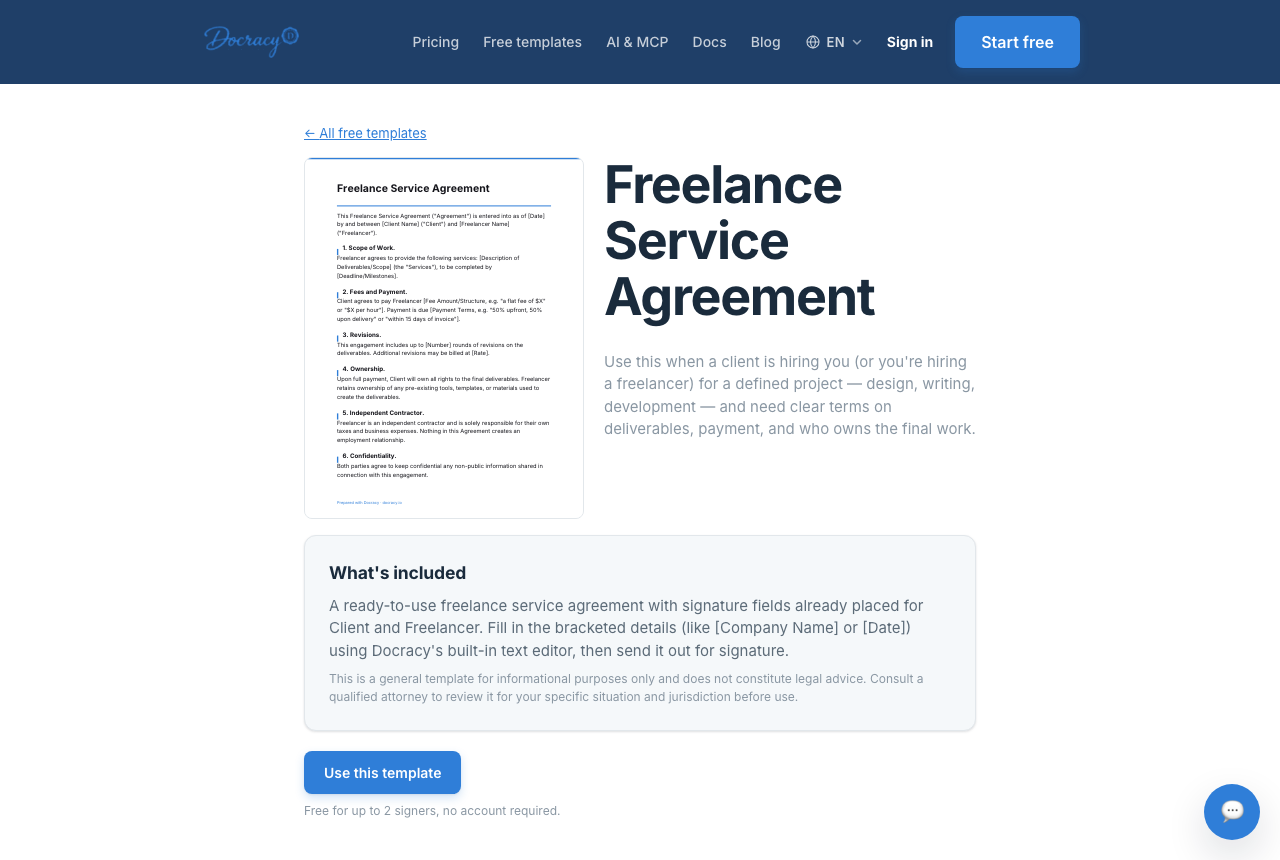

Most freelance disputes trace back to a document that either didn't exist or didn't say enough. A handful of agreements cover the vast majority of situations a freelancer runs into — none of them need to be complicated, but each one is worth having ready before you need it, not after.
The core documents
- NDA
- Client contract
- Scope of work
- Payment agreement
- Work order
Why each one earns its place
- NDA — protects whatever confidential information a client shares with you before the real work starts
- Client contract — sets the overall relationship: what's delivered, when, and for how much
- Scope of work — the specific breakdown of deliverables and revisions for a given project, useful even alongside a broader contract
- Payment agreement — payment schedule, late-payment terms, and what happens if a client wants to cancel mid-project
- Work order — a lightweight document for smaller, one-off jobs that don't need a full contract
Going one level deeper on each
This post is deliberately a checklist rather than a deep dive — the goal is to get the full picture in one place. Three areas are worth more detail than fits here, so they're covered separately.
Making sure the work stays yours
A signed contract doesn't automatically settle who owns the deliverable, when ownership transfers, or what happens if a client disappears before final payment. That's a bigger topic than a checklist item can cover.
How freelancers protect their work
Matching the paperwork to the job
A $250 one-off doesn't need the same contract as a $20,000 engagement, but it does need something. If you're not sure how much contract a small project actually warrants, there's a decision framework for that.
Simple contracts for small projects
Getting from a yes to a start date
Having the right documents doesn't help much if they take days to assemble every time a client says yes. The sequence and the automation that keeps that gap short are covered in detail elsewhere.
How to onboard new clients quickly
A realistic starting point
You don't need all five signed for every project. What you actually use tends to track the shape of the work:
- A one-off under a few hundred dollars — usually just a work order
- A single project in the low thousands — a client contract with a scope of work attached
- A recurring client relationship — an NDA and client contract up front, then a fresh scope of work for each new phase of work
- Anything involving a client's confidential data, unreleased product, or financials — an NDA before the first real conversation, regardless of project size
The point isn't to use every document every time — it's to have the right one ready when the situation calls for it, so reaching for it doesn't cost you the momentum of a client who just said yes.
What skipping one actually costs
The failure mode isn't usually dramatic. It's a client who assumes three rounds of revisions were included when you assumed one, a deliverable that sits unpaid for six weeks because no due date was ever attached to the invoice, or a project that quietly doubles in scope because nobody wrote down what was originally promised. None of these need a lawyer to prevent — they need a document that states the specifics before work starts, so there's something to point back to if memories start to diverge.
Why this doesn't have to take long
Every one of these documents can be built once as a template and reused with the specifics swapped in for each new client — that's most of what separates a five-minute onboarding step from a half-day one. Because a freelancer-client agreement almost always has exactly two signers, it also falls under Docracy's free tier by default; reusable saved templates are part of the paid plan, and every document — NDA, contract, invoice — carries the same timestamped audit trail showing when it was sent, opened, and signed.
Frequently asked questions
What's the single most important document to start with?
A client contract, since it's the one document almost every freelance relationship needs regardless of industry or project size. NDAs and scopes of work are situational; a contract covering the basics is needed almost every time.
Can these documents be reused across clients?
Yes — that's the point of a template. Fill in the specific details for each new client rather than rewriting the agreement from scratch every time.
Do I need a lawyer to put these together?
Not for most freelance work. A template covering the standard terms — scope, payment, ownership, cancellation — handles the majority of situations. It's worth a lawyer's time for unusually large contracts, or ones with terms you don't understand, but not for a routine project agreement.
What if a client refuses to sign an NDA?
It happens, especially with clients who are used to being the one drafting paperwork rather than signing someone else's. If the information at stake is genuinely sensitive, it's reasonable to hold firm; if it's a standard project with nothing particularly confidential involved, it may not be worth the friction — that's a judgment call specific to the project, not a rule.
Free templates for freelancers
Why teams start with Docracy
“Docracy is a great product that I have tested and am using. It is easy to use, has good tools, is always up to date, and implements new features. Highly recommended.”— DACH Advisory


Also: Compare e-sign pricing · Free mutual NDA template
No account required for up to 2 signers.